
Download Instagram Reels & Instagram Videos to Your PC
Save Reels, Stories and posts in the best available quality. Clip highlights before download and keep everything local — no browser download sites.

What is Avenor Instagram Downloader
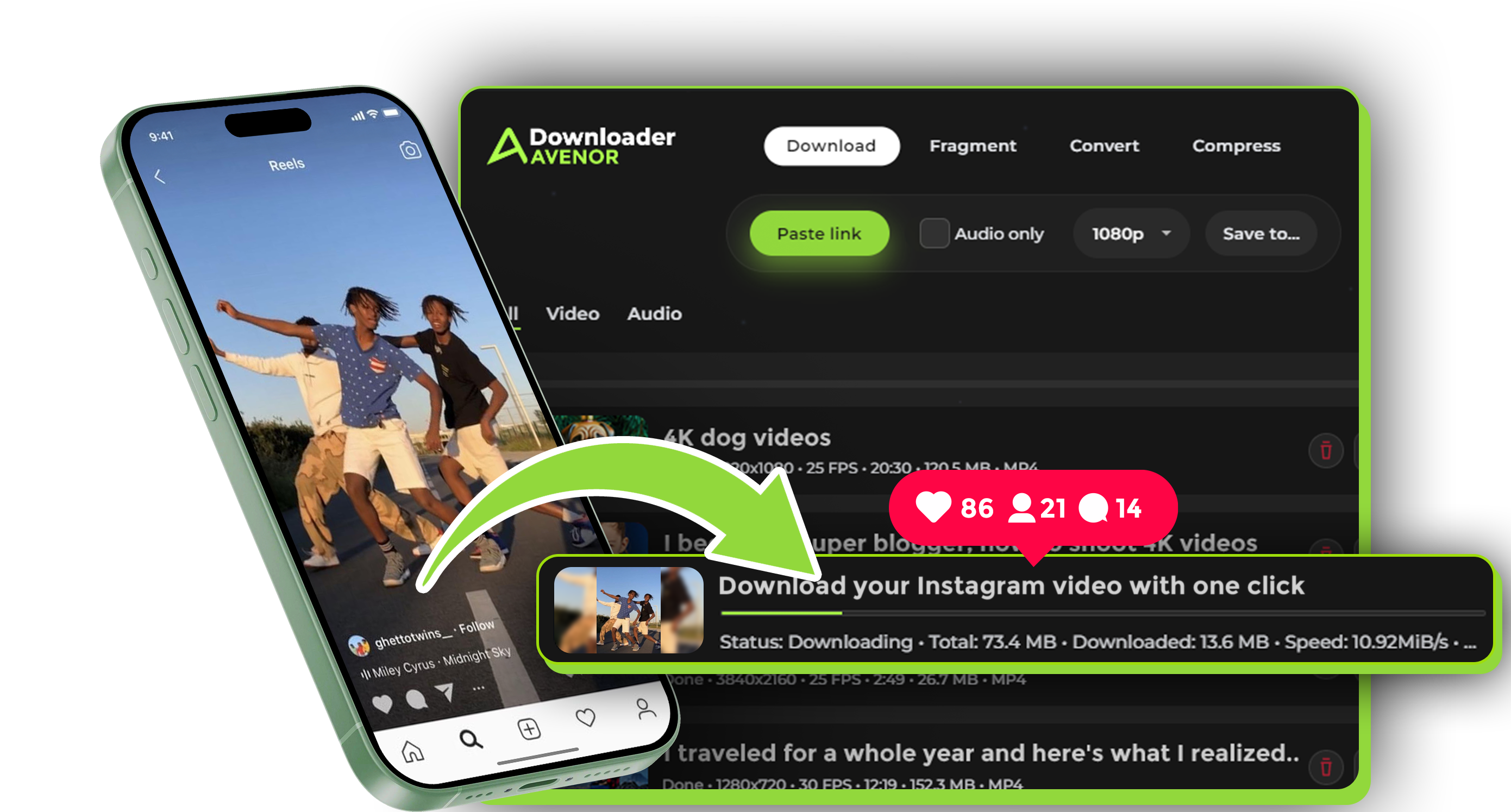
Avenor is a desktop app for Windows and macOS that downloads Instagram videos to your computer — great for archiving, editing, and offline use.
Instead of using random web downloaders, Avenor processes everything locally on your PC. Your links and downloads aren’t routed through third-party sites.
Why download Instagram videos with Avenor
Best Available Quality
Save the best quality available for the original Reel, Story, or post — so it looks clean in your archive and edits.
Clip the Exact Moment
Set In/Out timestamps before downloading to grab only the highlight you need — perfect for compilations and quick edits.
No Browser Download Sites
Skip ad-heavy web tools and popups. Avenor is a desktop workflow: stable, fast, and processed on your computer.
MP4 Video + MP3 Audio
Download as MP4 for devices and editors, or extract audio as MP3 when you only need the sound.
Download only the exact segment — no filler
Need one line from a Story? A single reaction from a Reel? Or just the best 5 seconds for a montage?
Use In/Out timestamps to select the exact segment before you download.
That means smaller files, faster downloads, and a cleaner content library for your projects.
Quality & formats
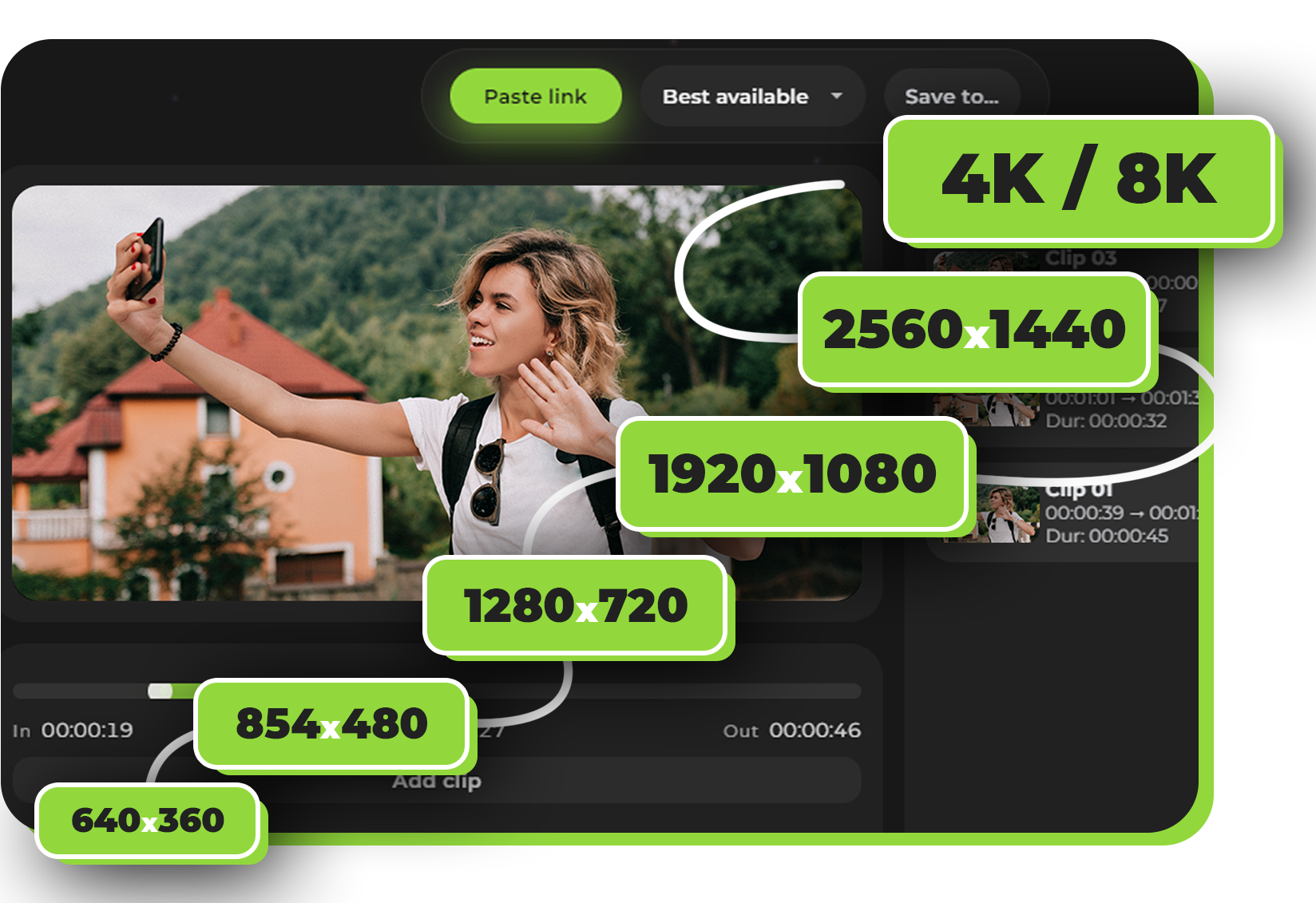
Save Instagram content in the best available quality for the original post when possible.
- Best available resolution for Reels, Stories, and video posts
- MP4 video or MP3 audio-only
Choose the format — MP4 for editing and sharing, or MP3 when you only need the audio.
How it works
Copy an Instagram link
Copy the URL of the Reel, Story, or video post you want to save.
Paste it into Avenor
Open Avenor Downloader and paste the link. The app analyzes the content locally.
Choose quality and optionally clip In/Out
Pick the best available quality and set In/Out timestamps if you want only a fragment.
Download to your folder
Click download — the file is saved directly to your computer.
Privacy & safety
Avenor is a desktop app — your downloads are processed on your computer, not on a random website.
Why local processing matters
- No uploads to third-party servers
- No popups, browser extensions, or ad pages
- You control where files are saved
Downloads are stored in your chosen folder so you can keep an organized archive.