
Stop Using Sketchy TikTok Download Sites — Get Videos Properly
Online TikTok downloaders are full of fake buttons, popups, and broken links. Avenor is a desktop app that lets you paste a TikTok link, choose quality, optionally trim with In/Out, and download directly to your PC — ready for editing.
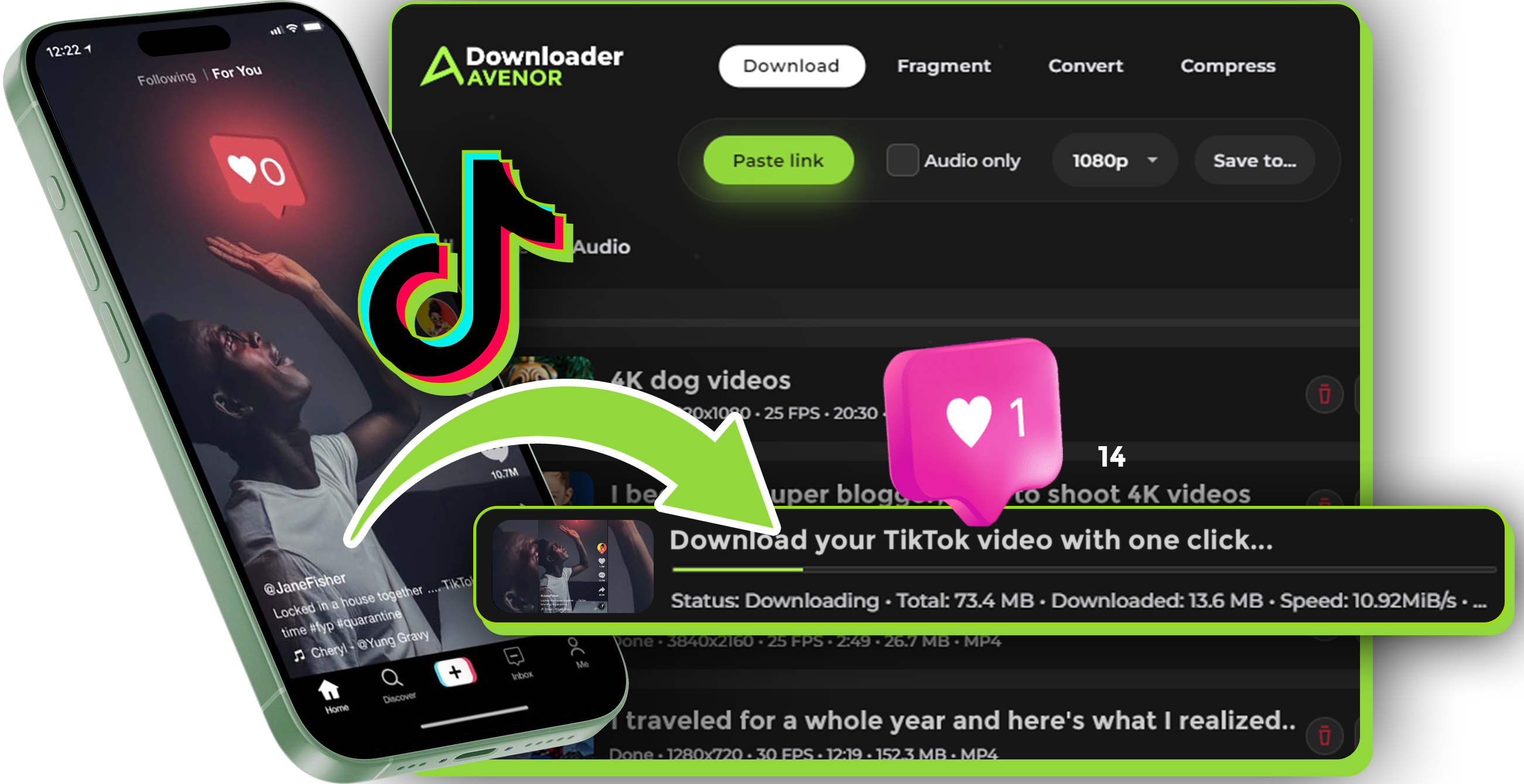
What is Avenor TikTok Downloader?
Avenor is a desktop TikTok downloader for Windows and macOS. It saves TikTok videos to your computer in the best available quality provided by TikTok — without browser chaos.
Built for creators, editors, and social media managers who need reliable access to vertical 9:16 content for compilations, research, drafts, and offline editing.


Not just another TikTok downloader — a stable desktop workflow.
Why Avenor is better than online TikTok downloaders
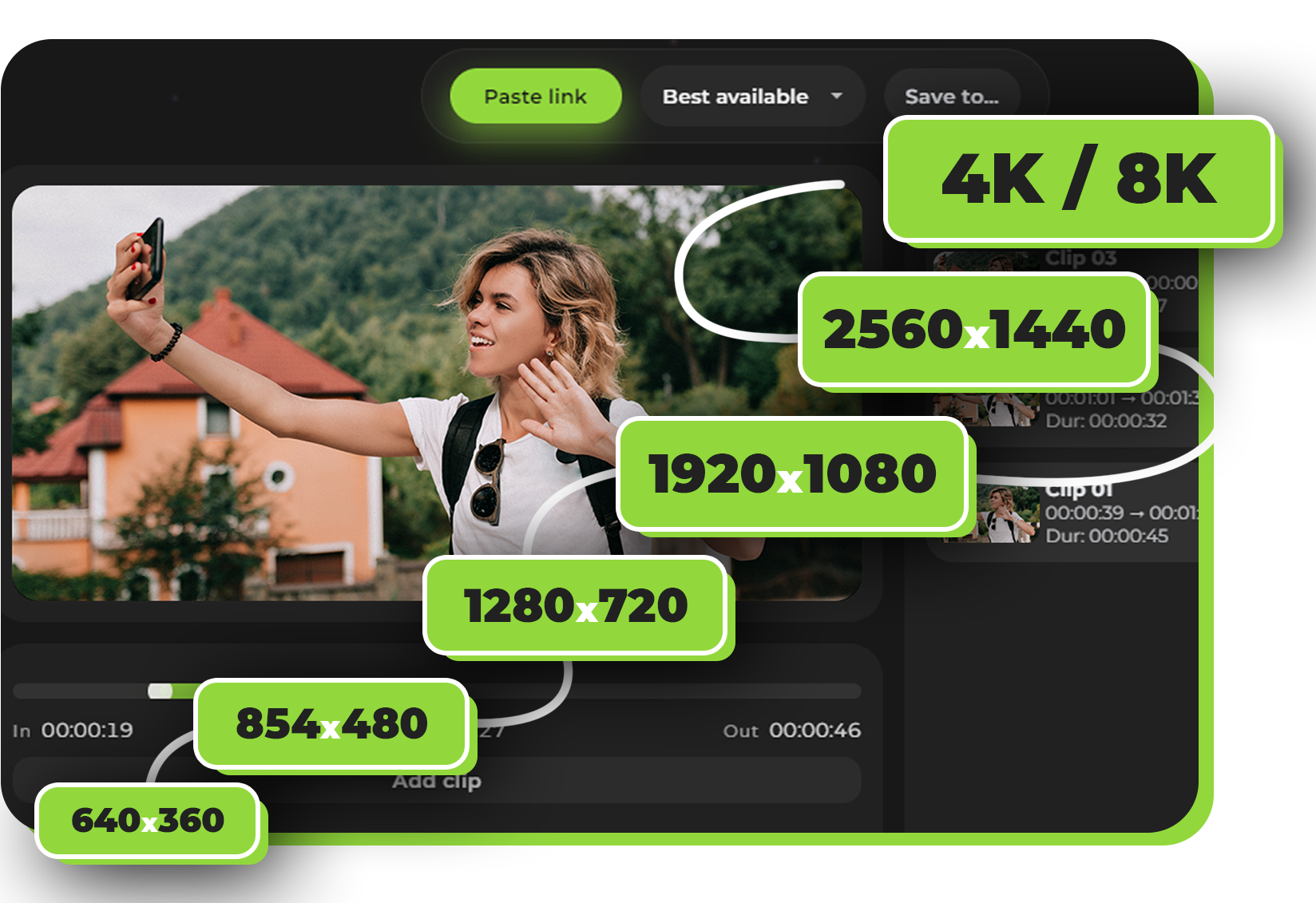
Best Available Quality (from TikTok)
Save videos in the best available resolution TikTok provides — suitable for vertical edits, repost planning, and archive use.
Download Only the Part You Need
Set In/Out before downloading. Save a 5-second viral moment instead of the full 60-second video. Cleaner files. Faster workflow.
No Popups. No Fake Download Buttons.
No redirect loops. No “Download Now” traps. No unstable web tools. Avenor runs locally on your computer.
MP4 / MP3
MP4 for Editing. MP3 for Sounds. Export TikTok videos as MP4 for editing or extract audio as MP3 when available — ideal for working with trending sounds offline.
Clip TikTok videos before download
Don’t download the entire video if you only need a short highlight.
Mark precise In/Out timestamps before downloading and keep only what you’ll actually use.
Perfect for:
• YouTube compilations
• Reaction edits
• Social media repost drafts
• Short-form editing workflows
Quality & formats
Avenor does not re-encode your file. Videos are saved as provided by TikTok.
- Best available quality (as provided by TikTok)
- MP4 video or MP3 audio-only (when available)
Choose MP4 for editing and archiving, or MP3 when you only need the sound.
How it works
Copy the TikTok link
Copy the full URL of the video you want to download.
Paste it into Avenor
Open Avenor and paste the link — the app analyzes it locally.
Choose quality and optionally trim
Select the quality and set In/Out if you only need a fragment.
Download directly to your folder
Click Download — the file is saved to your computer, not to a browser cache.
Privacy & safety
Avenor is not an online TikTok downloader website. It works locally on your computer.
Why local downloading matters
- No uploads to third-party servers
- No accounts required
- You control where files are stored
Your downloads go straight to your chosen folder — cleaner, safer, and more reliable.